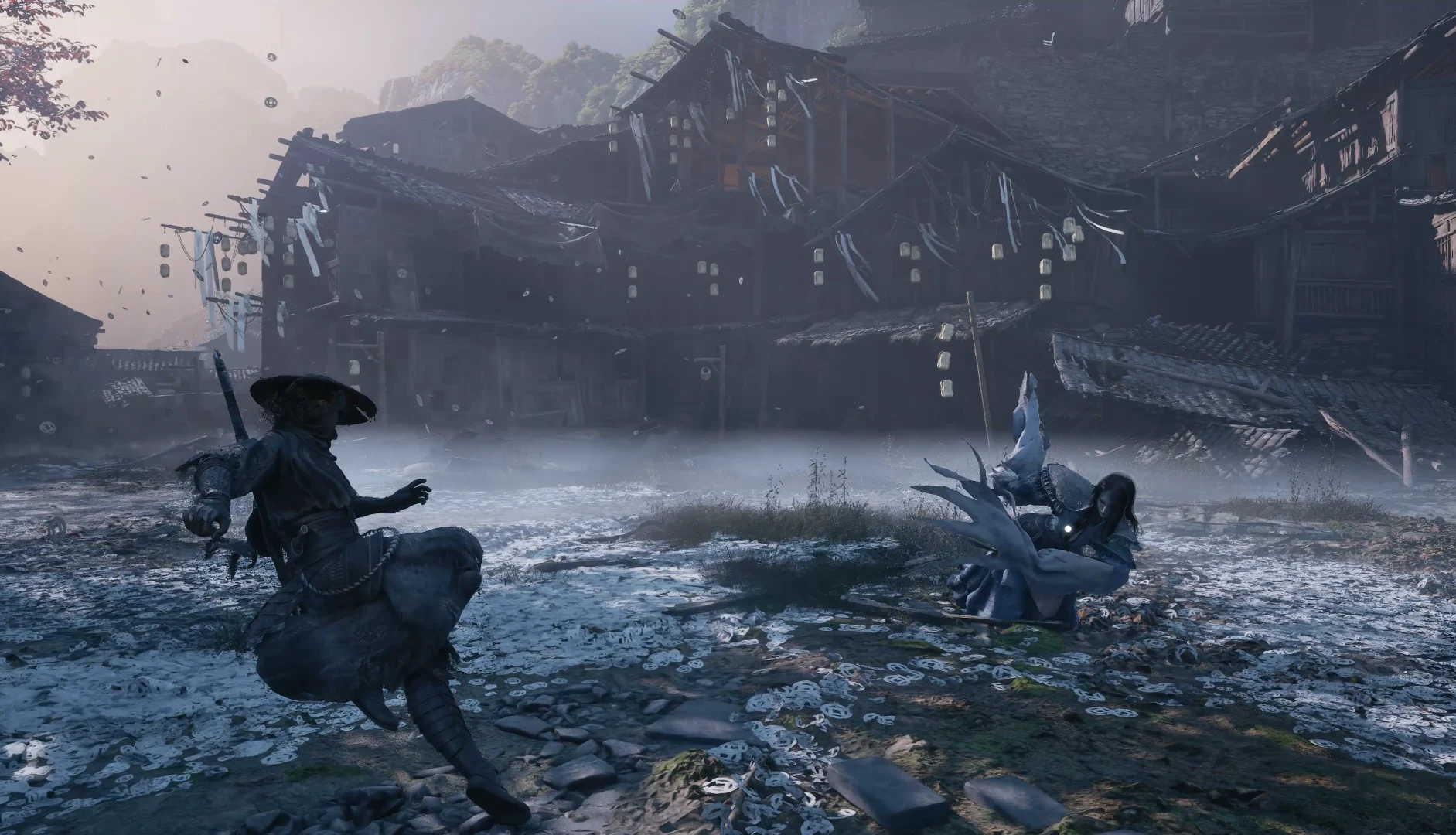
On PS5 you attack with □ (Standard Combo) and △ (Sha-Chi Combo), block and parry with L1, dodge with R1, use Phantom Edges with R2 and heal with up or down on the D-pad. You lock on with R3 and switch targets with the right stick. On PC you can rebind actions, and the first patch added “Interact / Talk”. The DualSense has haptic feedback and adaptive triggers.
The essentials on the controller
PS5 layout according to Fextralife
You can review the controls at any time from the game’s control reminders.
What are the Phantom Blade Zero controls on PS5?
Standard Combo □, Sha-Chi Combo △, interact ◯, jump ✕, block and parry L1, Power Surge L2, dodge R1 and Phantom Edges R2. The D-pad switches weapon (left), switches Phantom Edge (right) and uses your medicines (up and down).
| Action | Button (PS5) |
|---|---|
| Standard Combo | □ |
| Sha-Chi Combo | △ |
| Interact / talk | ◯ |
| Jump / special move | ✕ |
| Guard Stance (hold) and parry (tap) | L1 |
| Power Surge | L2 |
| Dodge | R1 |
| Phantom Edges | R2 |
| Sprint | Left stick + R1 |
| Special skill 1 / 2 | L1 + △ / L1 + □ |
| Execution (when the guard is broken) | ◯ |
| Map | Touchpad |
| Ojo de la mente | Swipe up on the touchpad |
| Switch weapon / Phantom Edge | D-pad left / right |
| Upper / lower medicine | D-pad up / down |
| Crouch | L3 |
| Lock on | R3 |
| Switch locked target | Right stick left or right |
What each action does in combat: how combat and Sha-Chi work.
Can you rebind the buttons?
On PC, yes: the controls menu lets you rebind actions on keyboard and controller, and patch 1.0302256 added “Interact / Talk” to the list. On PS5 we haven’t been able to confirm in-game rebinding; you can use the console’s own.
- PS5: the console has custom button assignments in its accessibility settings, which work for any game.
- Steam: you can also change the controller layout with Steam’s controller configuration.
- The same patch updated the controller icons and reduced stuttering with Bluetooth controllers on PC (patch notes).
How do you use Flash Step?
Flash Step is a skill, not a starting move: you unlock it in the banyan row of the skill tree (it requires a Banyan’s Heart) and it is an instant special dodge that spends Sha-Chi.
Skills are trained and reset for free at any bell, from the skill training option. Our main sources don’t confirm the exact button combination; some guides place it on pressing block and dodge at the same time. Players on PS5 and Steam complain that the combination is awkward or clashes with other actions. Check the skill description in the menu and, on PC, rebind it if it bothers you.
Why does lock-on switch enemies by itself?
It is a common complaint: players report that, in fights against several enemies, the lock-on jumps to another target by itself (for example, to the healers) and ruins their combos and skills. We haven’t been able to confirm an official option to turn it off.
- Lock on again manually with R3 and correct it with the right stick (left or right).
- In groups, reposition so the enemies stay in front of you and the switch is more predictable.
- If you find a lock-on option in your version, test it in a group fight before a boss.
How do I heal and why does healing sometimes not go through?
You carry two medicines on the D-pad: up uses the upper one and down, the lower one. Your remaining charges are shown on screen and refill when you rest at a bell.
Several players report that healing doesn’t always respond even when they press it several times. There is no official explanation. What does exist is the Quick Remedy skill: using medicine while you are being attacked cancels the stagger, which suggests that healing under pressure is exactly the hard part. Heal after their combo or at a distance. Healing Art gives one more medicine use. More in all medicines and how to upgrade them.
What accessibility and audio options does it have?
The official PlayStation listing names eight: volume per channel, 3D audio, advanced subtitles (all dialogue), adjustable difficulty, control reminders, tutorial reminders, pause (offline only) and manual saving.
| Option | What it does for you |
|---|---|
| Volume per channel | Raise effects and voices to hear attack cues better |
| 3D audio | Locate flying swords coming from off camera |
| Advanced subtitles | All spoken dialogue is subtitled (languages) |
| Adjustable difficulty | Four levels; lowering it doesn’t affect trophies (difficulties) |
| Control and tutorial reminders | Review buttons and tutorials whenever you want |
| Pause | Only when playing offline |
| Manual saving | There are 20 manual slots and 3 autosave slots |
| Hit and impact sound intensity | Options added in patch 1.0302256 |
Many players complain about the visual chaos in some boss fights. We haven’t found a confirmed option to reduce the effects. What they recommend is relying on the enemy’s sound and animation rather than on the flashes.
Which DualSense features does it use?
Haptic feedback for combat impacts, adaptive triggers that give resistance when you use Phantom Edges (like drawing a bow or charging a cannon) and Tempest 3D audio. It also supports PS5 Game Help.
3D audio has to be set up on the console and works with TV speakers or stereo headphones. If you play on PC, also check the requirements and install size.
Related guides: common combat questions · PC performance.
Frequently asked questions
How do you parry in Phantom Blade Zero?
Tap L1 right before an attack with a blue flash lands. If you hold it, you block and spend Sha-Chi.
How do you switch weapons?
With D-pad left. Switching refills your Sha-Chi and has a short cooldown.
Can you pause the game?
Yes, but according to the PlayStation listing only when you play offline.
Is there an option to turn off automatic target switching?
We haven’t been able to confirm one. Lock on again with R3 and switch targets with the right stick.