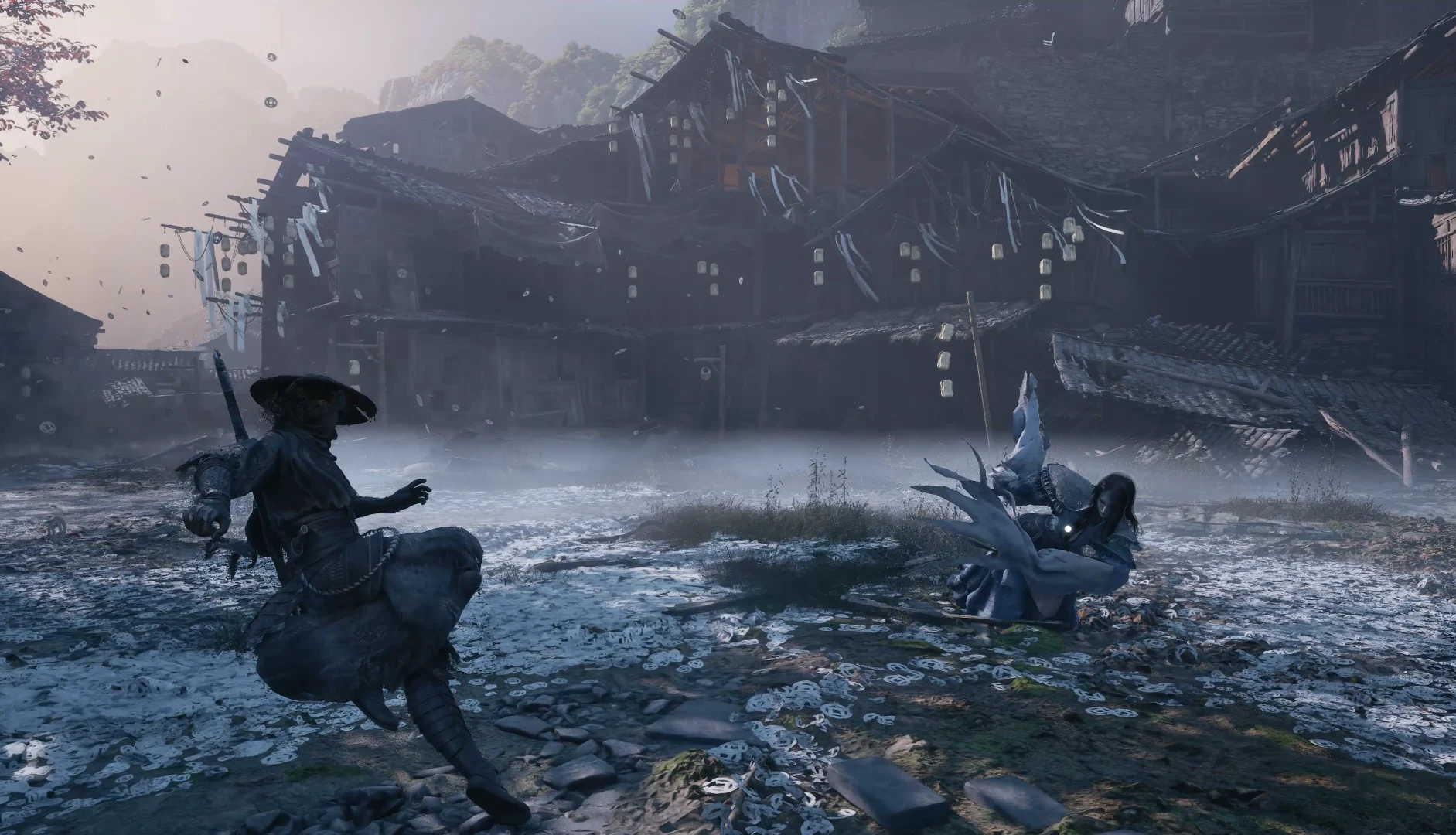
The official part: at launch S-GAME recommended not using NVIDIA driver 621.01 and doing a clean install of 617.42. Patch 1.0302256 speeds up shader compilation and reduces stutter with Bluetooth controllers; if you get crashes or stutter after updating, delete the shader cache. What players report: turning off ray tracing reduces stutter, on AMD rolling back to an older driver helps, and black cutscenes are usually fixed by capping at 60 fps.
The most discussed PC issues
Replies on the Steam forum by topic (count from 11-11-2026)
Sum of replies in the reviewed threads for each topic; not an official count.
Only the NVIDIA driver recommendation and the patch notes are official. The rest are workarounds players report on the Steam forum: they work for some and not for others. Try them one at a time.
What did patch 1.0302256 change on PC?
Much faster shader compilation, ray tracing shaders no longer compile at startup unless you turn it on, less stutter with Bluetooth controllers, Reflex set to “Auto” with V-sync and a hair fix on some AMD graphics cards.
If you had ray tracing off, the first time after the patch the shaders recompile just once. Full summary in patch 1.0302256.
How do I delete the shader cache?
- In Steam, right-click Phantom Blade Zero › Manage › Browse local files.
- Go into
PBZ\ProjectPBZ\Saved\Cacheand delete the files inside. - Open the game: it will compile the shaders again. Let it finish before playing.
This is the fix S-GAME gives for crashes or stutter after updating. It also asks you to uninstall mods that aren’t compatible with the patch.
Which NVIDIA driver should I use?
S-GAME advised against 621.01 (the game’s “Game Ready” driver) because of performance issues and recommended a clean install of 617.42, which gave the best results in its testing.
Later, NVIDIA released hotfix driver 621.12, which fixes issues in 621.01. PC Games Hardware notes that it wasn’t clear whether it also solves this game’s issues. One player says that after updating the driver, the game recompiled shaders for about 30 minutes.
Why does it stutter even though I get high fps?
The most common stutters show up while traveling across the map and when areas load, especially with ray tracing or path tracing turned on.
Wccftech concludes that the initial compilation removes almost all shader stutter and that what remains is infrequent, although ray tracing can add more. What players report on Steam:
| Setting | What players report | Result |
|---|---|---|
| Turn off ray tracing | Reduces stutter while traveling across the map | Enough for some; not for others (RTX 4080 Super) |
| Lower the controller polling rate | One player dropped his controller from 4 kHz to 1 kHz and almost all the stutter went away | A single case; check your mouse too |
| Roll back to 617.42 | S-GAME’s advice | Mixed results |
| Wait for compilation to finish | It takes about 10 minutes at the start | Avoids stutter in your first session |
Before touching anything, check that the game is on an SSD: it’s required (see PC requirements).
What do I do if the game crashes with an AMD graphics card?
Players with AMD report crashes every few minutes, full PC freezes and even complete shutdowns with LiveKernelEvent 141 and 117 errors from the amdkmdag.sys driver. What has helped them most is rolling back to an older driver with a clean install.
| AMD driver | What players report |
|---|---|
| 25.9.2 | The most repeated fix in the RX 7600 thread, after cleaning up with AMD Cleanup Utility |
| 26.7.1 | Stable for one RX 7900 XTX user (with other changes) and one RX 9070 XT user |
| 26.8.1 | Fine for one RX 9070 XT user |
| 26.10.1 | Several users get crashes with it |
| 26.10.2 | Mixed: one went 11 hours without crashes; others didn’t |
Other changes players report, with partial results:
- Lowering graphics to medium, FSR on Balanced, a 60 fps cap and borderless window.
- Lowering the graphics card’s clock and voltage a little, or its memory clock.
- If you see stretched hair or squares in the sky (RX 9070 XT): turn off realistic hair or ray tracing. The patch fixed hair on some AMD graphics cards.
In several AMD threads there’s a reply recommending NVIDIA driver 617.42. Players themselves warn that it’s no use for AMD.
Why are cutscenes black?
Animated cutscenes stay black while the audio and subtitles play. It happens mostly on Linux, but there are also cases on Windows 11. The most repeated fix is capping the game at 60 fps.
- 60 fps cap: it worked for several players, including with the first crane cutscene and after beating a boss, without turning off path tracing.
- Dropping to 1080p: one player thinks the 4K 60 fps videos use an H.264 format his graphics card doesn’t play well.
- There’s a community mod for this, but for some players it doesn’t fix the Long Pillar scene.
If the screen stays black for a long time after a fight, also check the game-breaking bugs guide.
Does it work on Steam Deck and Linux?
It’s playable, but barely: Steam Deck HQ says it doesn’t hold 30 fps even at minimum settings. On Linux the typical problem is black cutscenes.
- Steam Deck: Steam Deck HQ considers it inadequate despite its “Playable” rating and doesn’t recommend it. The patch didn’t change that.
- Steam Machine: after the patch, Steam Deck HQ measured almost 60 fps at 2K with FSR Balanced and medium quality.
- Linux (according to players): if a cutscene comes out black, try another Proton version (Proton-GE or stable instead of Experimental), cap at 60 fps or drop to 1080p. One CachyOS user with AMD fixed it with GStreamer variables that prioritize Vulkan’s H.264 decoder.
What about PS5?
The patch notes include “improved performance in certain areas” without separating platforms. The settings in this guide are PC only.
Related guides: game-breaking bugs · controls and settings.
Frequently asked questions
Which NVIDIA driver does S-GAME recommend?
A clean install of 617.42, instead of the 621.01 that NVIDIA released for the game.
Where is the shader cache?
In the game folder: PBZ\ProjectPBZ\Saved\Cache. You get there from Steam with Manage › Browse local files.
Does turning off ray tracing remove the stutter?
According to players, it reduces it quite a bit, although it doesn’t remove it for everyone.
Why can’t I see the cutscenes?
It’s a known bug, mostly on Linux. Players fix it by capping at 60 fps, dropping to 1080p or switching Proton versions.
Which AMD driver works best?
There’s no official one. Players cite 25.9.2, 26.7.1 and 26.8.1 as stable, and 26.10.1 as problematic.
Can you play it on Steam Deck?
It runs, but according to Steam Deck HQ it doesn’t reach a stable 30 fps even with everything at minimum.